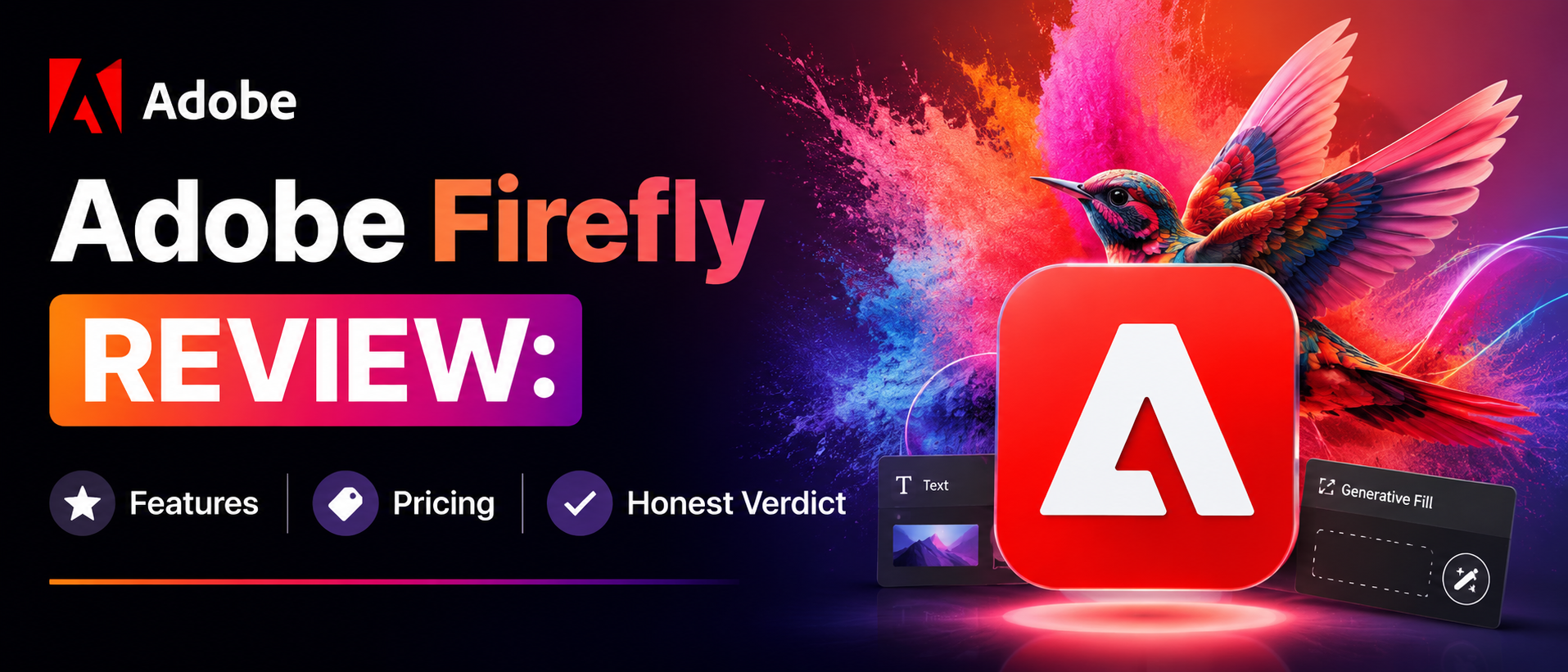
Adobe Firefly Review: Features, Pricing & Honest Verdict
Anjali
May 12,2026
Introduction
If you're looking for an Adobe Firefly review that highlights what this powerful tool can really do, you're in the right place. Adobe Firefly has taken the creative world by storm — and for all the right reasons. From stunning AI image generation to seamless Creative Cloud integration, it's redefining how US-based designers, marketers, and content teams work in 2026. This review breaks down everything — the standout features, flexible pricing, and why Firefly is quickly becoming the go-to choice for creative professionals who want quality, speed, and peace of mind.What Is Adobe Firefly, Exactly?
Adobe Firefly is Adobe's in-house generative AI engine—built not as a standalone tool but as a deep part of the Creative Cloud ecosystem. It handles text-to-image generation, Generative Fill in Photoshop, text effects, vector recoloring, video clip creation, sound effect generation, and even AI-powered video dubbing. It also connects to partner models from Google, OpenAI, and others — so the creative range keeps expanding. It started with images. Today, it has evolved into a complete creative AI suite that supports almost every format a designer works with daily.Key Features of Adobe Firefly — The Ones That Actually Matter
Here's a quick look at what Firefly does well—and what the hype is actually about:- Generative Fill (Photoshop): Select any part of an image, type a prompt, and watch it fill in. It understands lighting, perspective, and layer context. This is genuinely one of the most useful AI tools in any creative software right now.
- Text-to-Image: Type a prompt, get an image. Firefly is less "artsy" than Midjourney but more predictable—which matters a lot for client work where you can't afford creative surprises.
- Text Effects: Type a word, choose a style, and Firefly wraps the typography in textures, materials, and designs. logos, headlines, and posters — this feature saves significant time.
- AI Video Generation: Still evolving, but already highly functional. Generate short video clips from text descriptions. It's catching up fast.
- Sound Effect Generator: Create custom audio from a text prompt. Useful for social content and quick video projects.
- AI Dubbing & Lip Sync: Translate video dialogue and sync lip movement to match across multiple languages. A genuinely impressive feature for global content teams.
Creative Cloud Integration — The Real Firefly Advantage
Here's what makes Firefly different from tools like Midjourney or DALL-E. If the workflow already lives inside Adobe—Photoshop, Illustrator, Premiere Pro, or Adobe Express—Firefly doesn't add friction. It fits right in. Generative Fill feels like a native Photoshop tool because it is one. The outputs carry metadata, stay editable, and don't require any awkward file conversions. For production teams and agencies already running on Creative Cloud, this integration alone might be worth the upgrade. It's not a side tool. It's baked in.Commercial Safety — Firefly's Biggest Selling Point
This is where Firefly truly stands out — and where Firefly genuinely stands apart. Most AI generators are trained on scraped internet images, which creates real licensing uncertainties for commercial use. Adobe Firefly is trained exclusively on Adobe Stock images, openly licensed content, and public domain material. Adobe also provides IP indemnification for enterprise customers. In plain terms, if a client asks, "Are we safe to use this?" with Firefly, the answer is a clear yes. No other major AI image generator in 2026 offers that level of legal certainty. For US agencies and in-house creative teams, that matters more than image quality sometimes.Adobe Firefly Pricing — What Does It Actually Cost?
Let's be real about the pricing—because it confuses many people:- Free Plan: 25 generative credits per month. Enough to experiment, not enough for real production work.
- Firefly Standard ($9.99/mo): 2,000 premium credits. Unlimited standard generations. Good for freelancers who need consistent image output without video.
- Firefly Pro ($19.99/mo): 4,000 premium credits. Unlimited standard generations. Better for those who need video and partner model access.
- Firefly Premium ($199.99/mo): 50,000 premium credits plus unlimited AI video. Built for heavy production teams or agencies generating content at scale.
- Creative Cloud All Apps ($54.99/mo+): Includes Firefly credits as part of the broader Creative Cloud subscription. If Photoshop, Illustrator, or Premiere Pro are already in the toolbox, this is likely the smarter path.
Adobe Firefly vs. Other AI Image Generators in 2026
Searching for the best AI image generator 2026? Here's how Firefly honestly stacks up:- vs. Midjourney: Midjourney still produces more visually dramatic, "artistic" images. But it has no commercial safety guarantee and no Creative Cloud integration. Firefly wins on legal safety and workflow efficiency.
- vs. DALL-E 3: DALL-E 3 is excellent at prompt accuracy and works smoothly through ChatGPT. OpenAI offers partial IP protection — but not full indemnification like Adobe.
- vs. Google Imagen 3: Imagen 3 leads in photorealism and has a more generous free tier. It's great for budget-conscious solo creators. But it doesn't live inside Photoshop.
- vs. Leonardo.Ai: Leonardo offers a broader feature set and a generous free tier—solid for experimentation. Lacks Adobe's commercial safety framework and ecosystem integration.
Who Should Use Adobe Firefly?
Firefly makes most sense for designers, photographers, and creative teams already working inside Creative Cloud. If Photoshop is already open on the computer every day, Firefly is basically already there. Same for Illustrator users, Premiere Pro editors, and Adobe Express regulars. Marketers at small-to-mid-sized US businesses who need quick social content and can't afford a full design team will also find real value here. The best AI image generator 2026 for commercial teams in 2026 isn't always the prettiest one—it's the safest, most integrated one. That's Firefly.Final Verdict — Is Adobe Firefly Worth It in 2026?
After digging into the features, pricing, and real-world use cases—here's the honest answer: Adobe Firefly is worth it, but only for the right user. If Creative Cloud is already part of the daily workflow, this becomes an easy upgrade decision. The commercial safety guarantee alone removes legal headaches that other AI image generators still can't answer. The pricing may feel premium—especially for video-heavy use—but the credit system is manageable when planned out smartly. For solo creators who just want beautiful images without caring about Adobe integration, Midjourney or Imagen 3 might actually be better picks. But for agencies, production teams, and marketing departments running on Adobe tools, Firefly has quickly become an essential part of modern creative workflows.✨ Create smarter, faster & safer with Adobe Firefly today 🚀🎨
Read More Blogs:
What Is Sintra AI And How Does It Work? A Complete Breakdown For 2026
Sintra AI Pricing Plans Explained For Smart Buyers
Top 10 Travel Tech Gadgets Every Traveler Needs This Year
FAQs
Q1. Is Adobe Firefly free to use?Ans: Yes, Adobe Firefly offers a free plan with 25 generative credits per month to get started.
Q2. Is Adobe Firefly safe for commercial use?
Ans: Absolutely — Adobe Firefly is trained on licensed content and offers IP indemnification, making it the most commercially safe AI image generator available in 2026.
Q3. Does Adobe Firefly work with Photoshop and Illustrator?
Ans: Yes, Adobe Firefly integrates directly into Adobe Creative Cloud apps like Photoshop, Illustrator, and Premiere Pro for a seamless workflow.
Recent Blogs