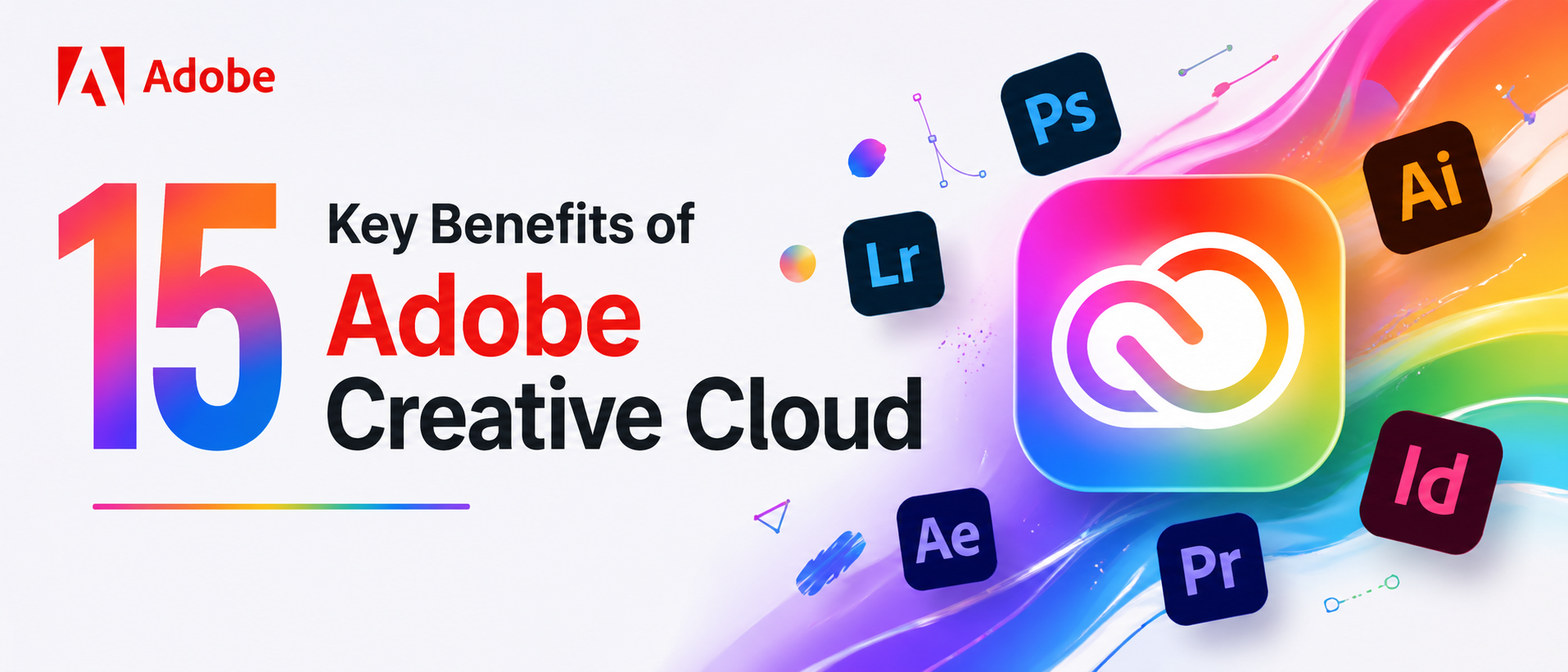
15 Key Benefits of Adobe Creative Cloud
Anjali
Apr 27,2026
Introduction
So, you've been hearing a lot about Adobe Creative Cloud lately, and honestly, it's hard to ignore. Whether you're a freelancer, a student, or part of a big creative team, the benefits of Adobe Creative Cloud are plenty. Like, genuinely a lot. It's not just design software. It's a whole ecosystem—apps, storage, fonts, assets, and AI tools—that basically runs modern digital content creation tools. And if you're wondering, is Adobe Creative Cloud worth it? Spoiler: yes. Let's get into it.1. Access to Industry-Standard Tools
When people talk about Adobe Creative Cloud benefits, this is usually where the conversation starts. The suite includes Photoshop, Illustrator, Premiere Pro, After Effects, and InDesign—these are the tools professionals actually use. These aren't knock-offs or alternatives—they're the real thing. Agencies, studios, publishers — they all run on Adobe. Getting access to all of them under one subscription is genuinely a big deal, especially for anyone building a career in creative work.2. Continuous Updates and New Features
One underrated thing about Adobe Creative Cloud is that the apps don't just sit there. Adobe keeps pushing updates, sometimes pretty frequently. New tools show up, bugs get fixed, and performance improves. It doesn't feel like buying a box of software and then watching it go stale. There's always something new happening. And with trends in digital content creation tools shifting fast, staying current matters more than most people realize.3. Seamless Cross-App Integration
Here's something that sounds boring but really isn't — the apps actually talk to each other. Edit a graphic in Illustrator, drop it into InDesign, and it updates automatically. Work between Premiere Pro and After Effects without constantly exporting and importing. For anyone deep in a complex workflow, this saves a ridiculous amount of time. It's one of those Adobe Creative Cloud benefits you don't fully appreciate until you've tried working without it.4. Creative Cloud Libraries
Creative Cloud Libraries let designers save colors, character styles, logos, and assets—then pull them into any app instantly. Working on a brand project across five different files? Libraries keep everything consistent. No more hunting through folders. No more "which version of this logo is the right one?" It's a genuinely useful feature that makes collaborative and solo digital content creation significantly less chaotic.5. Cloud-Based Storage and Syncing
Every Creative Cloud subscription includes cloud storage. Files sync automatically across devices, which means switching from a desktop to a laptop mid-project doesn't have to be a pain. Assets stay accessible, settings carry over. For anyone juggling multiple workstations, or just someone who's ever had a hard drive fail at the worst possible moment, cloud-backed storage is one of those benefits of Adobe Creative Cloud that feels obvious in hindsight.6. AI-Powered Workflows (Adobe Firefly)
This one's newer and honestly quite impressive. Adobe Firefly — the AI built into Adobe Creative Cloud — helps with generative fill, text-to-image, background removal, and a bunch of other things that used to take a long time. The AI is also trained on licensed content, which matters from a commercial use standpoint. It's one of the more significant recent shifts in how digital content creation tools actually work, and Adobe is moving fast here.Key Firefly features include:
- Generative Fill — expand or modify images using text prompts
- Text Effects — apply styles and textures to typography
- Generative Recolor — instantly recolor vector artwork in Illustrator
7. Extensive Asset Library (Adobe Stock)
Adobe Stock is integrated right inside the apps—so searching for photos, templates, or footage happens without switching tools. Some assets are included in higher-tier plans; others are available for purchase. Either way, having a massive licensed library this close to your workspace speeds things up considerably. It's a practical Adobe Creative Cloud benefit that solo creators and teams alike tend to lean on pretty heavily.8. Access to Adobe Fonts
Typography matters. Adobe Fonts (formerly Typekit) gives Creative Cloud subscribers access to thousands of fonts—synced directly to apps, with no separate installs. Finding a font for a project, activating it, and having it show up in Photoshop within seconds is genuinely satisfying. And the library is actually good. Not just "fine"—actually excellent. For design-focused work, this alone is worth something when weighing is Adobe Creative Cloud worth it.9. Mobile App Ecosystem
Adobe has a suite of mobile apps — Lightroom Mobile, Fresco, Capture, and Express — that connect seamlessly with the desktop apps. Start a sketch on an iPad and continue it in Illustrator on a Mac. Capture color palettes from real-world photos and sync them to Creative Cloud Libraries. The mobile side of Adobe Creative Cloud isn't an afterthought — it's a legitimate part of the workflow, especially for photographers and illustrators who move between devices.10. Enhanced Team Collaboration
For teams, Adobe Creative Cloud includes shared libraries, invite-only folders, and Creative Cloud for Teams plans with centralized license management. Collaborators can share assets, maintain brand consistency, and keep work accessible across the whole group. It's not just about individual digital content creation tools anymore—it's about how a team works together. And Adobe has put a decent amount of thought into making that less painful.11. Adobe Portfolio and Behance Access
Creative Cloud subscribers get Adobe Portfolio — a website builder designed specifically for showcasing creative work. It's clean, responsive, and actually looks good. On top of that, Behance integration lets creators share work with a global community and get discovered by potential clients or employers. For anyone building a freelance career or trying to land a job in the industry, these are underrated Adobe Creative Cloud benefits that don't cost anything extra.12. Real-Time Collaboration with Adobe Express
Adobe Express — the more accessible, browser-based design tool — supports real-time collaboration. Teams can work on social media graphics, flyers, or presentations together, live. It's a bit like Canva, but connected to the full Adobe Creative Cloud ecosystem. For quick content turnarounds and non-designers who still need to produce polished work, this sits nicely alongside the heavier pro apps. Part of the broader Adobe Creative Cloud review often overlooks this tool—it shouldn't.13. Comprehensive Learning and Community
Adobe has put real effort into education — tutorials, live events, certification programs, and a massive community. Adobe Learn, YouTube channels, live Q&As — there's a lot. Whether someone's just starting with digital content creation tools or trying to master something specific in Premiere Pro, help is actually easy to find. This matters more than it might seem, especially for self-taught creatives who rely on documentation and community knowledge to improve.Learning resources include:
- Step-by-step tutorials inside each app
- Adobe Live — free livestreamed creative sessions
- Community forums and user groups
- Adobe Certification programs for professionals
14. Simplified License Management
Managing software licenses used to be a whole thing. With Adobe Creative Cloud, everything is under one subscription. Need to add a team member? Easy. Need to switch devices? Done. No activation codes, no per-machine installs that expire weirdly. For businesses, especially, this kind of administrative simplicity is a genuine benefit of Adobe Creative Cloud that often goes unmentioned in the excitement over the creative tools themselves.15. Exclusive Membership Perks
Creative Cloud subscribers occasionally get early access to beta features, discounts on Adobe hardware, free trials of new apps, and exclusive content from Adobe's partner network. These aren't always massive, but they add up. There's a sense that the subscription includes more than just software—it's access to an ecosystem that Adobe actively maintains and expands. For anyone deep in creative work professionally, that ongoing relationship has real value.Final Thoughts: Are the Benefits of Adobe Creative Cloud Worth It?
Honestly, for most people doing serious creative work, the answer is yes. The benefits of Adobe Creative Cloud go way beyond just having Photoshop on a computer. It's an interconnected platform that covers design, video, photography, web, motion, and now AI — all in one subscription. The Adobe Creative Cloud review landscape is overwhelmingly positive for a reason. Whether building a freelance portfolio, managing a creative team, or just wanting access to the best digital content creation tools available, Creative Cloud delivers. It's not cheap, but it's built for people who take their craft seriously. And it shows.Read More Blogs:
How Newegg’s Exclusive Deals And Promotions Provide The Best Value In Tech
Why The Newegg PC Builder Is The Most User-Friendly Tool For Creating Your Dream Machine
What Is Sintra AI And How Does It Work? A Complete Breakdown For 2026
FAQs
1. Is Adobe Creative Cloud actually worth paying for?Yeah, honestly, if you're serious about design or content, it just makes life easier and feels worth it.
2. Do beginners really need Adobe Creative Cloud, or is it too much?
Not really too much—once you start using it, you kind of grow into it naturally without feeling lost.
3. Why do most creators still prefer Adobe Creative Cloud over other tools?
Because everything works together smoothly and saves a lot of time, which you only realize after trying it.
Recent Blogs